Difference between revisions of "User Menu"
From SNIPER Systems
| Line 1: | Line 1: | ||
| − | + | This menu gives the user access to numerous types of data stored in the System: | |
*My documents: has several entries to access documents of interest: | *My documents: has several entries to access documents of interest: | ||
| − | **Documents in process: | + | **Documents in process: List of documents awaiting review or approval whether they are owned by the user or waiting the user to take action. Moreover, a list of documents that are locked by the user. |
**All documents: list of all documents owned by the user. | **All documents: list of all documents owned by the user. | ||
| − | **Review summary: list all the documents that were reviewed or awaiting review by the user. | + | **Review summary: list of all the documents that were reviewed or awaiting review by the user. |
| − | **Approval summary: list all the documents that were approved or awaiting approval by the user. | + | **Approval summary: list of all the documents that were approved or awaiting approval by the user. |
| − | *My Account: To edit | + | *My Account: To edit user account information and check used disk space. Additionally, a list of Users and Groups is presented if you are logged in as an admin. |
| − | *Sign Out: | + | *Sign Out: Exit the system. |
<br/> | <br/> | ||
<br/> | <br/> | ||
Revision as of 20:43, 28 September 2015
This menu gives the user access to numerous types of data stored in the System:
- My documents: has several entries to access documents of interest:
- Documents in process: List of documents awaiting review or approval whether they are owned by the user or waiting the user to take action. Moreover, a list of documents that are locked by the user.
- All documents: list of all documents owned by the user.
- Review summary: list of all the documents that were reviewed or awaiting review by the user.
- Approval summary: list of all the documents that were approved or awaiting approval by the user.
- My Account: To edit user account information and check used disk space. Additionally, a list of Users and Groups is presented if you are logged in as an admin.
- Sign Out: Exit the system.
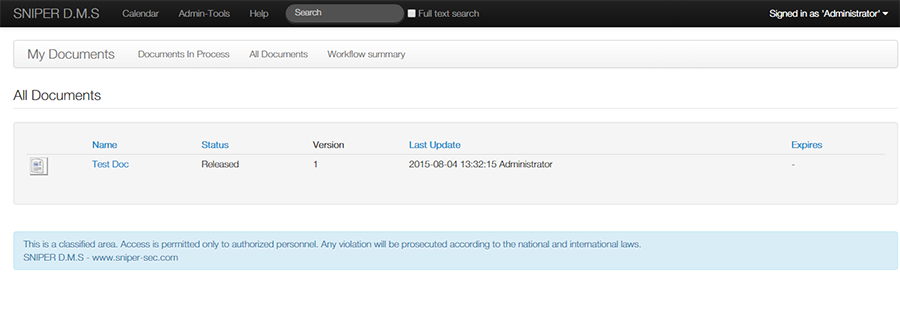
All Documents
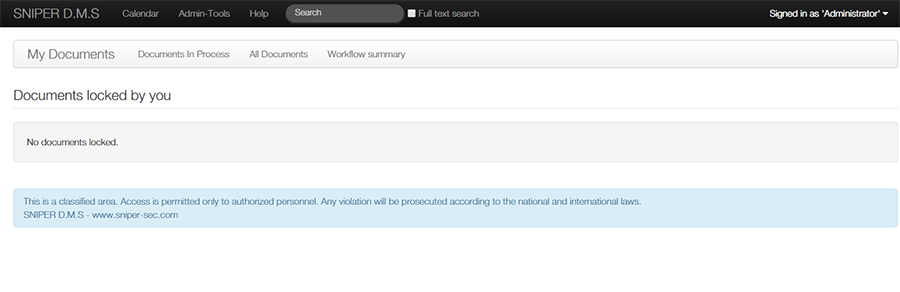
Documents Locked
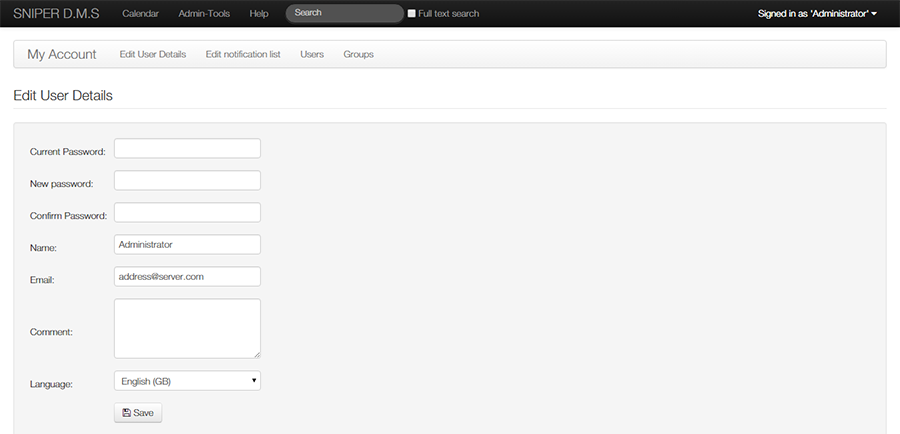
Edit User Details
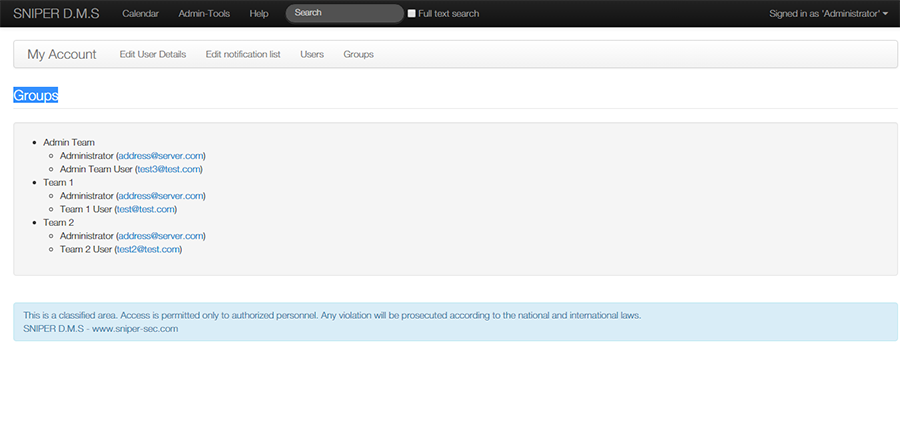
Group List
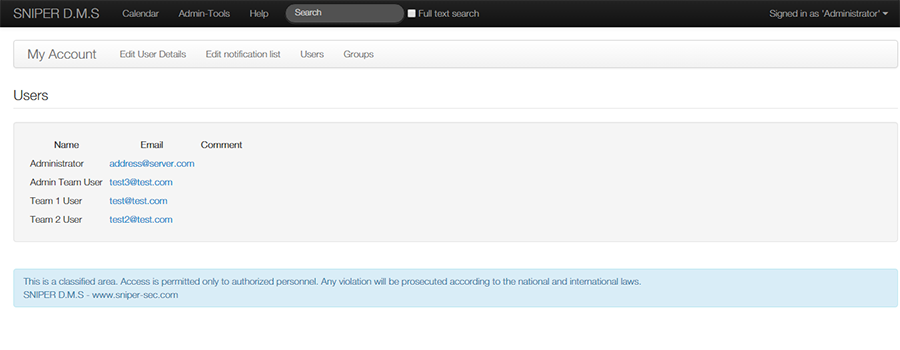
USer List
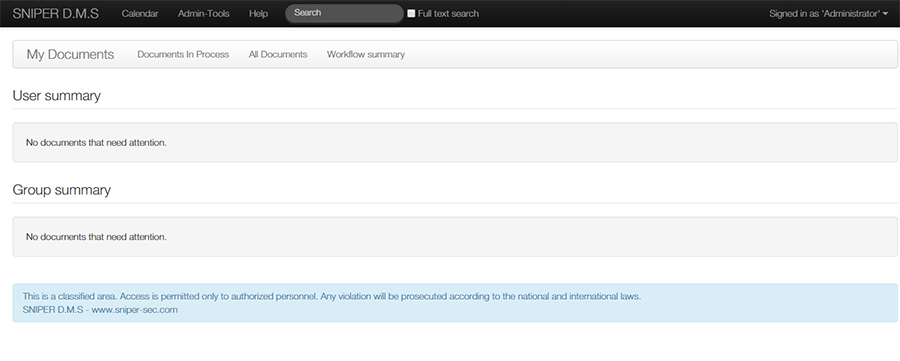
Workflow Summary
